ECharts showcase app
PowerShellUniversal.Component.ECharts.Demo is the showcase app of the ECharts module
as a module: install it and an app needs one line. The pivot module has one of its own, the
pivot showcase app; the Perspective module has example apps in its
folder.
Install-PSResource -Name PowerShellUniversal.Component.ECharts.Demo # installs the chart module too
App content (admin console > Apps > create, or a script):
New-UDEChartShowcase
Fourteen pages: basics, every bar variant, a ticket report (lead time with SLA, boxplots, previous period, filters on a table), finance (waterfall, plan versus actual, candlestick), managed services (KPI matrix, VMware, storage, backup, customer ranking), operations (backup gantt, forecasts, dependencies), a data platform that combines many source systems (coverage, gaps, network path, asset 360), calendars, intraday charts with axis breaks, public data, layouts, technical examples, live data and a benchmark. All data is generated with a fixed seed; "Public data" calls public web APIs from the PSU server.
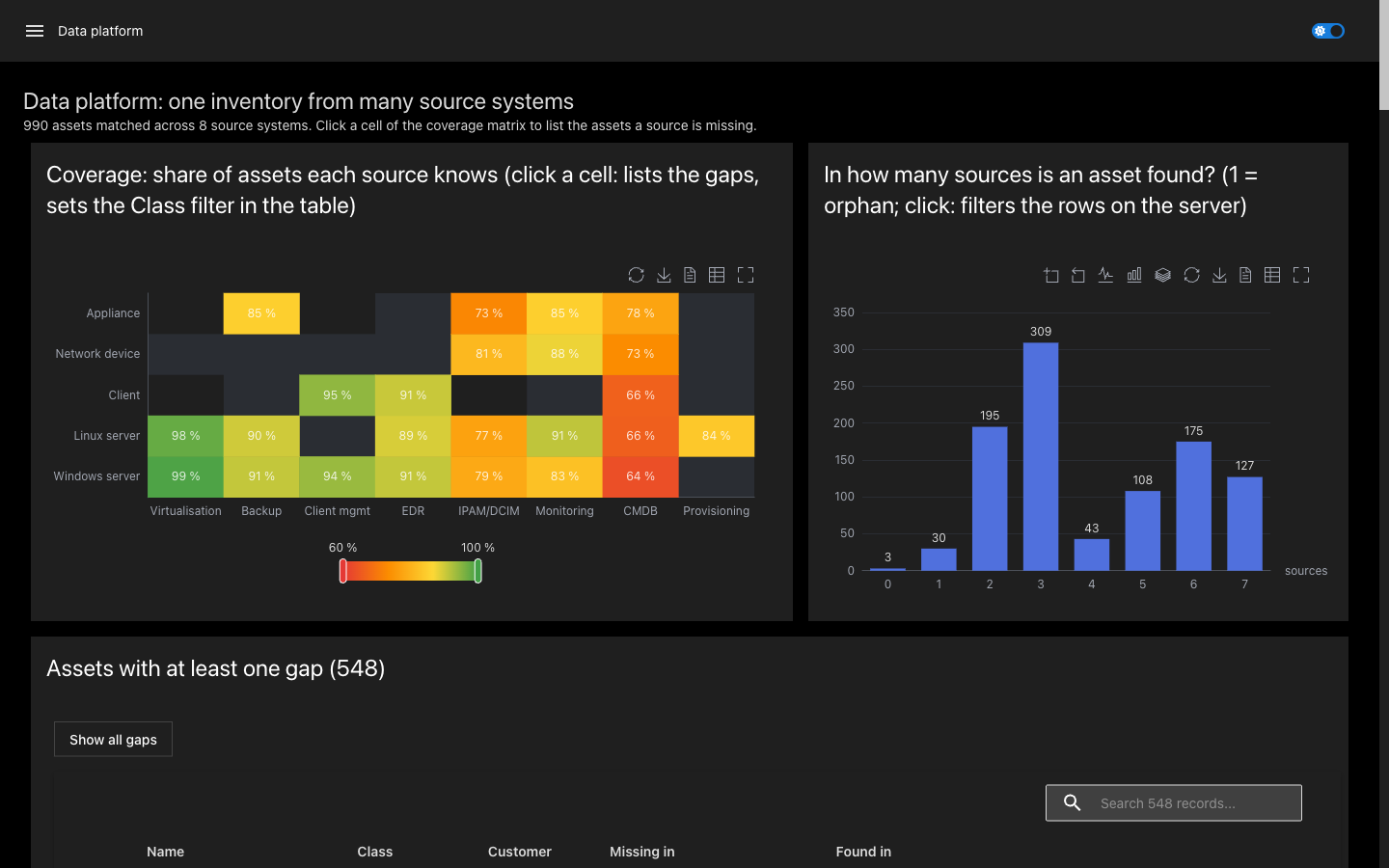
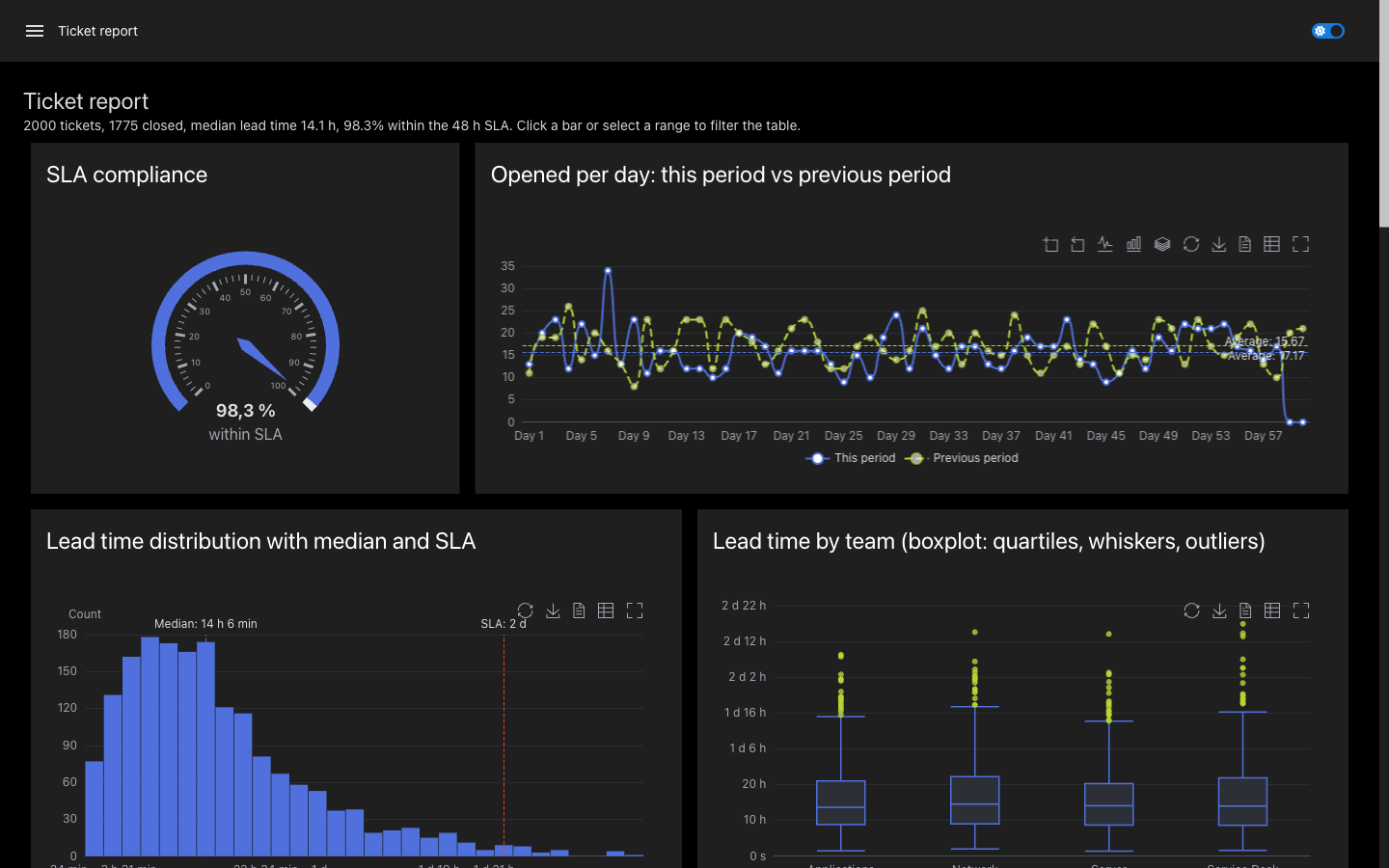
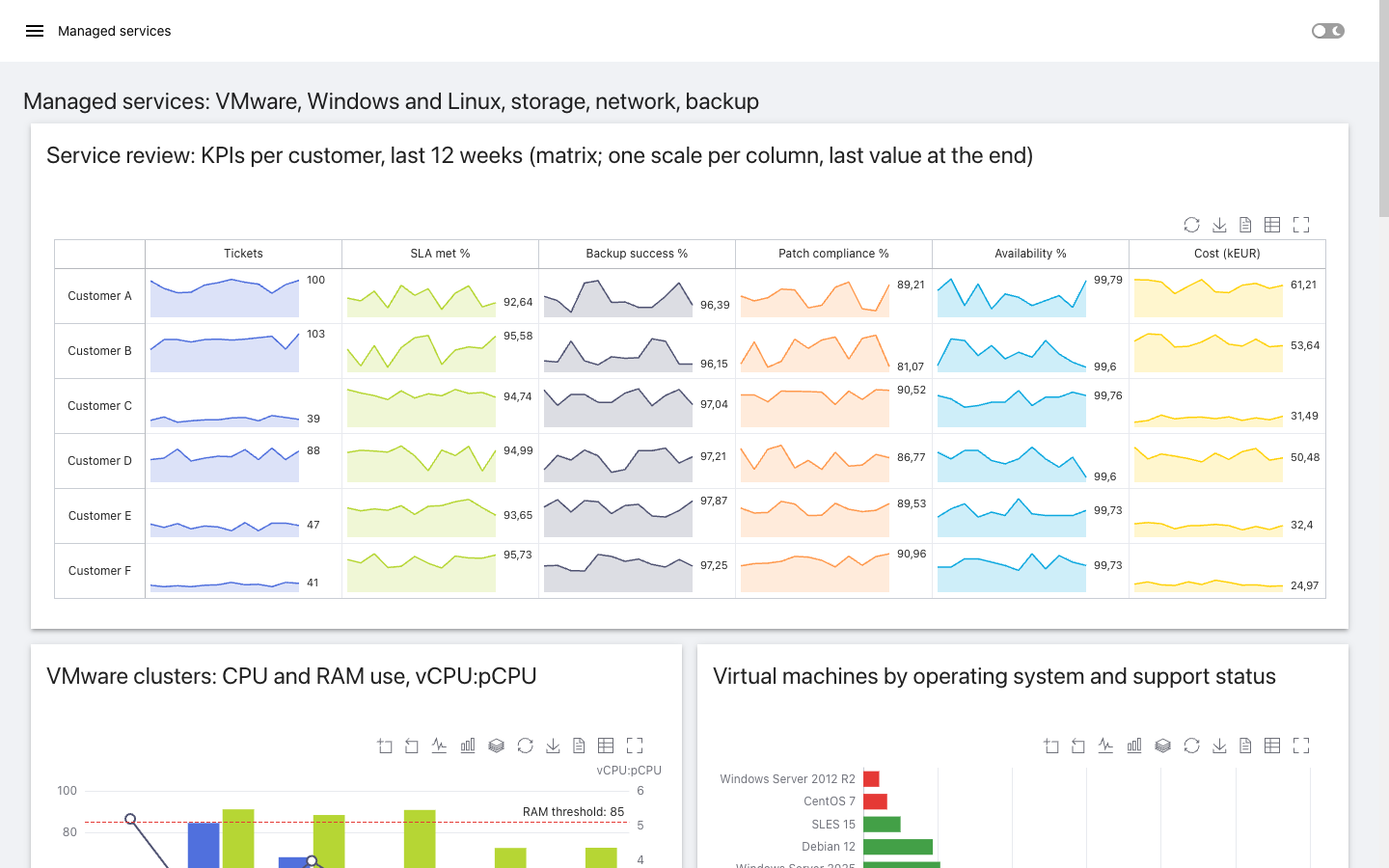
The source of the app is Apps/Showcase.ps1; copy parts of it into your own apps.
Reference
Returns the showcase app of PowerShellUniversal.Component.ECharts.
The app has fourteen pages: basics, every bar variant, a ticket report, finance, managed services, operations and SLA, a data platform that combines many source systems, calendars, intraday charts, public data, layouts, technical examples, live data and a benchmark. Data is generated with a fixed seed; the page "Public data" needs internet access from the PSU server. Use it as the whole content of an app: Import-Module PowerShellUniversal.Component.ECharts.Demo New-UDEChartShowcase
| Parameter | Type | Description |
|---|---|---|