Pivot showcase app
PowerShellUniversal.Component.Pivot.Demo is the showcase app of the pivot module as a
module: install it and an app needs one line.
Install-PSResource -Name PowerShellUniversal.Component.Pivot.Demo # installs the pivot module too
App content (admin console > Apps > create, or a script):
New-UDPivotShowcase
| Page | Data | What it shows |
|---|---|---|
| Python releases, End of life, Release cycles | endoflife.date | The three examples of the overview: one line; a start view, field names and templates; an app with a loading placeholder, views per reader on the server, roles and -OnCellClick. Each page shows its code. |
| Weather | Open-Meteo | Daily weather of six cities in 2024 and 2025: the mean temperature per month as a colour scale, and questions in the Views menu (the sunniest city, rain days per season, rain per month). |
| Your data | an uploaded file | A CSV or JSON file of the reader's own as a pivot report. |
| Tickets, Templates, Events, Fields, Layouts, Without Id | generated | The pivot module's ticket showcase: 5,000 tickets from a DataTable, shared and own views with a file template store, what the events send, field descriptions from an OpenAPI document, the report in page layouts. |
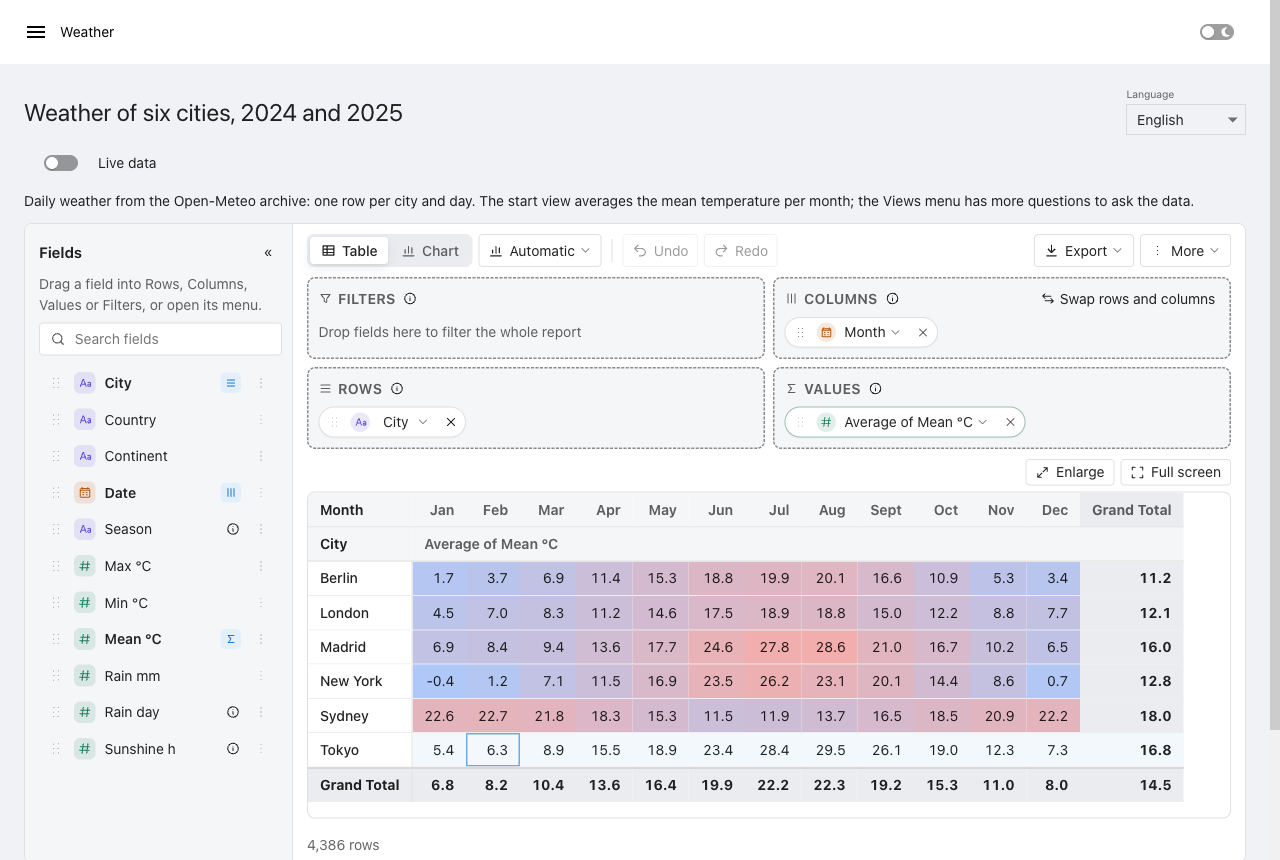
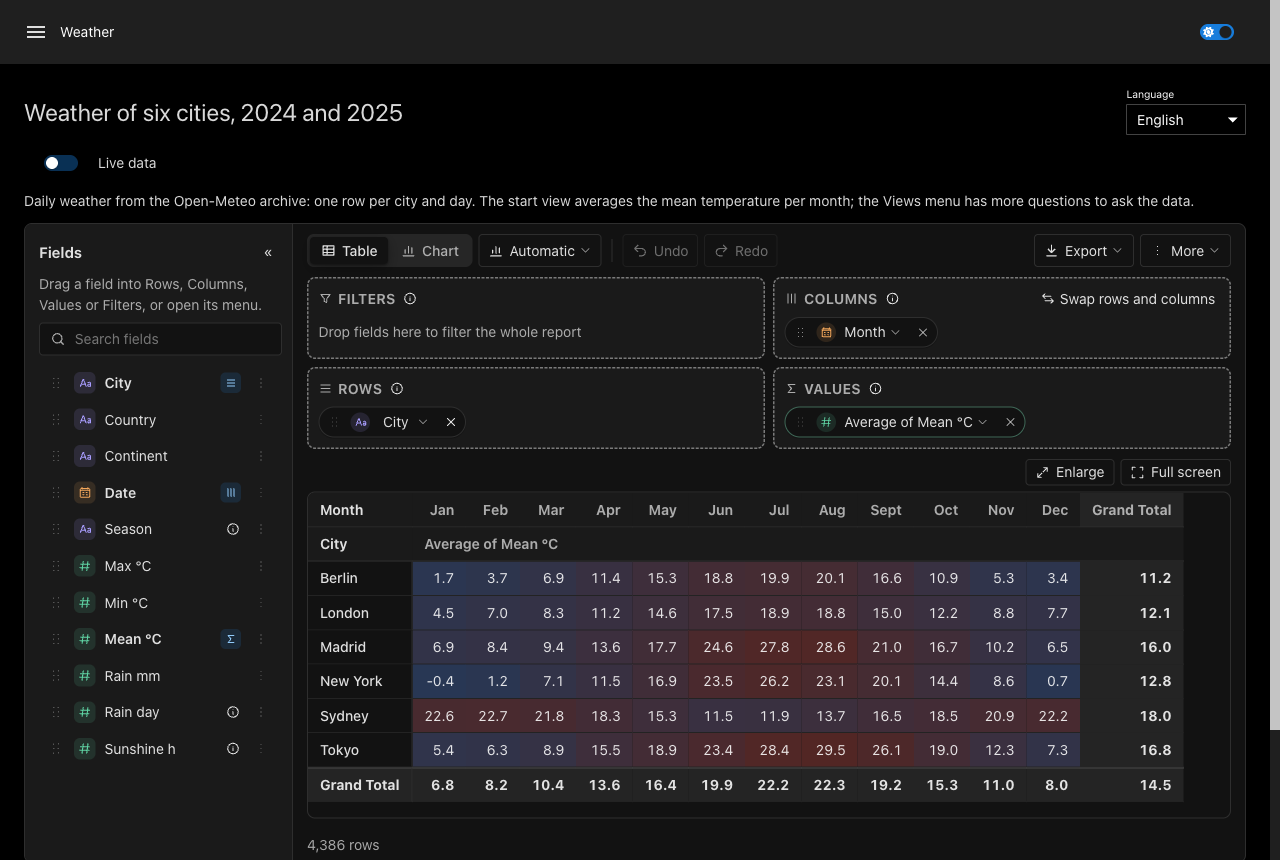
Weather data by Open-Meteo.com, CC BY 4.0; contains modified Copernicus Climate Change Service information 2026; neither the European Commission nor ECMWF is responsible for any use that may be made of the Copernicus information or data it contains (sources and licences).
Public data, offline or live
The pages on endoflife.date and Open-Meteo read snapshots shipped with the module (Data/, the same
files this site is built from, with their sources, licences and the attribution each source asks for in
Data/SOURCES.md), so the app works on a PSU server without internet access. The Live data switch
on those pages fetches the same addresses from the APIs instead; New-UDPivotShowcase -LiveData
starts with it switched on. The offline snapshot is the default: the switch calls Open-Meteo's free API, whose terms allow non-commercial use only, so a company that uses the demo internally keeps the snapshot or uses an Open-Meteo API key (Data/SOURCES.md).
The Language switch shows the reports in English or German (-Locale de-DE starts in German).
Both switches are kept per session.
Your own data
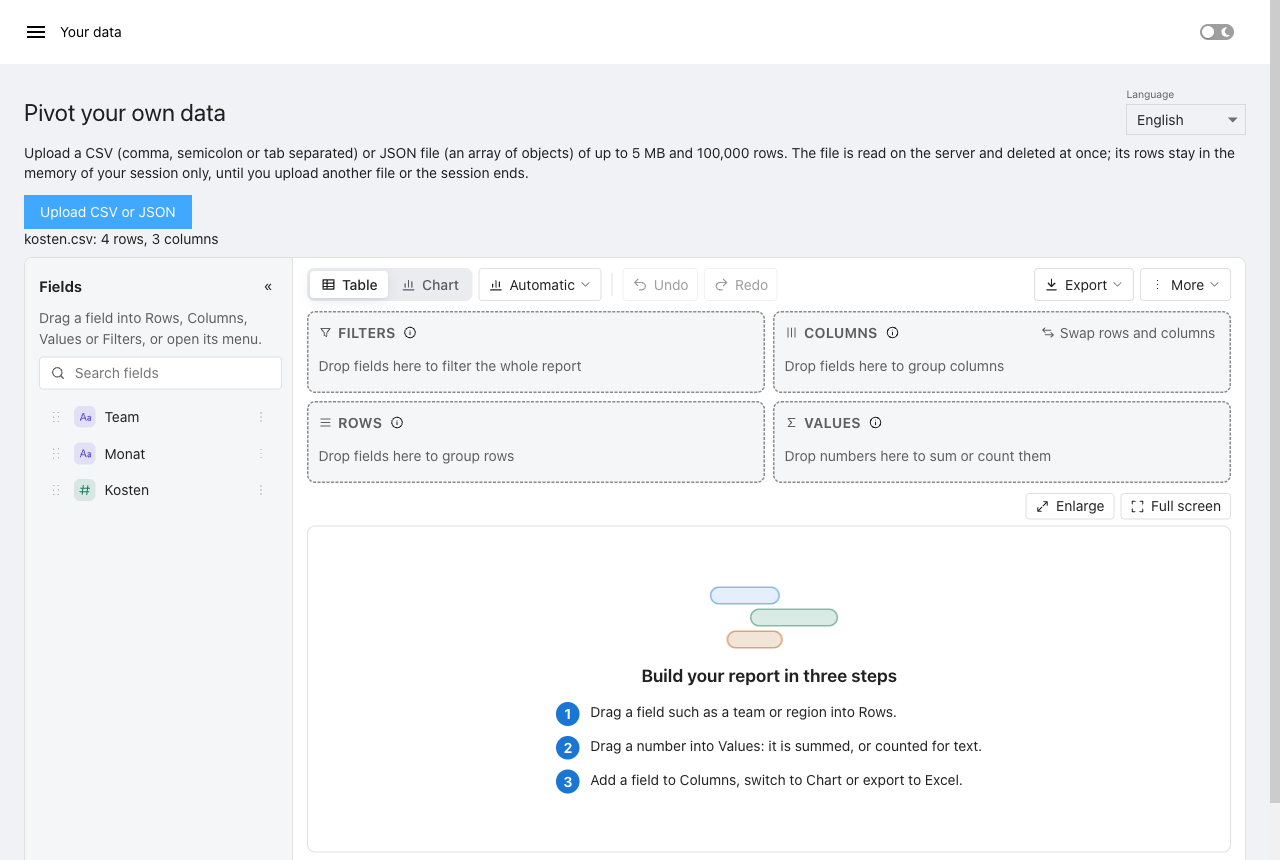
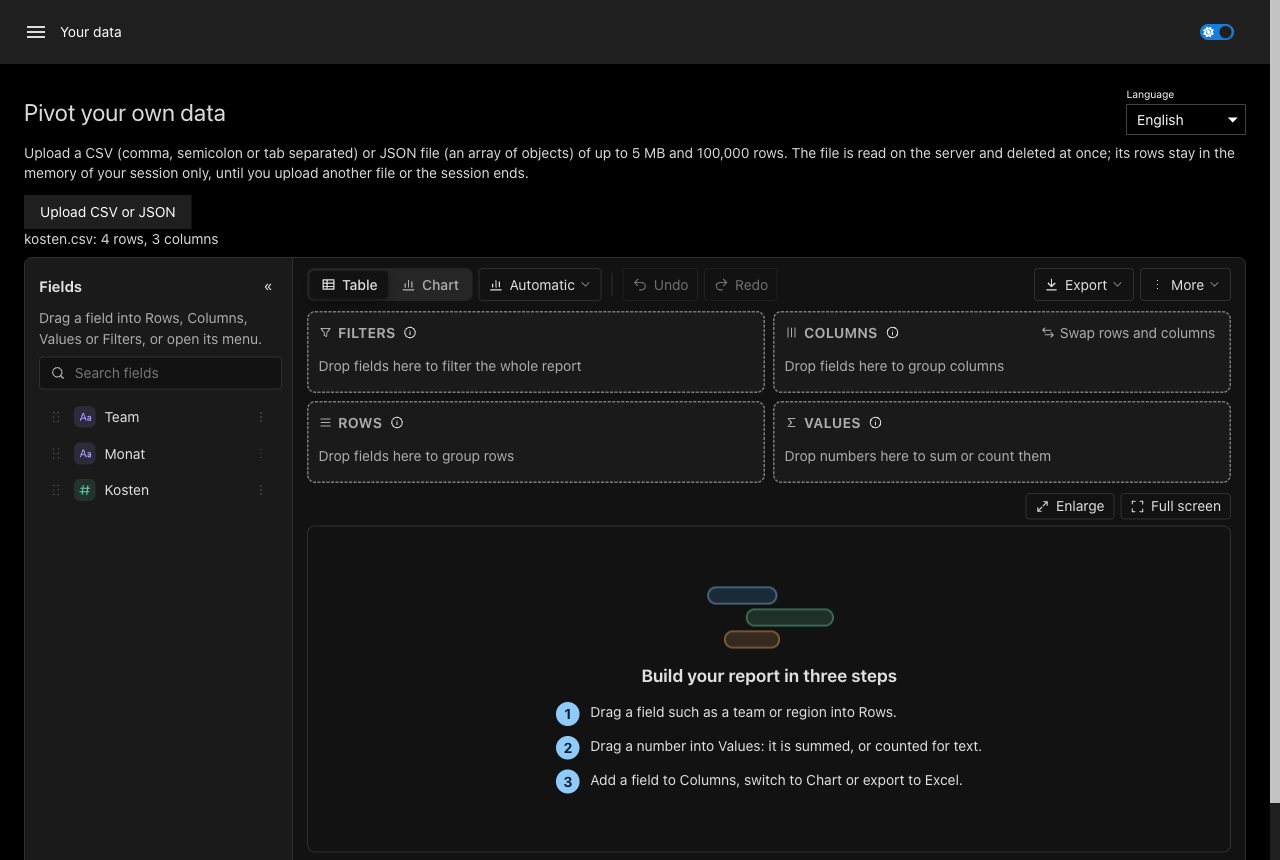
The page "Your data" takes a CSV file (comma, semicolon or tab separated; with a semicolon, numbers with a decimal comma as German Excel writes them) or a JSON file (an array of objects, or an object with one such array in it), up to 5 MB and 100,000 rows. A column whose every value is a number becomes a number field. The file is read on the server and deleted at once; its rows stay in the memory of the reader's session only, until the next upload or the end of the session. A file the page cannot read leaves a message above the report. Excel files are planned (#64).
Views stored on the server
The page Release cycles and the ticket pages keep views with New-UDPivotFileTemplateStore (see
Templates, view files and roles): as files in a folder pivot-views next to the PSU
repository folder, never inside it. users/ holds the own views of signed-in readers, shared/ the
shared views readers with the role Administrator publish. Without sign-in, readers' own views stay in
their browser and nothing is written for them. To remove what the app stored, delete that folder on the
server:
Remove-Item -Recurse -Force (Join-Path (Split-Path -Parent $Repository) 'pivot-views')
Other apps with a file template store without -Path use the same folder; check before deleting it.
How it is built
The source of the app is
Apps/Showcase.ps1.
Nothing in it is written twice: the pages on endoflife.date run the examples of this site
(docs/site/examples.ps1), the ticket pages are the pivot module's
examples/showcase.ps1,
and the module's Build.psd1 names the files the build copies into it. The examples call
Invoke-RestMethod; in the app the call goes to Get-UDPivotShowcaseData, which answers from the
snapshot or, with live data, from the API.
Reference
New-UDPivotShowcase
Returns the showcase app of PowerShellUniversal.Component.Pivot.
The app shows New-UDPivotReport on public data and on generated data: the three pivot examples
of the documentation on software release cycles from endoflife.date (one line; start view,
field names and templates; an app with loading, views per reader and roles), daily weather of
six cities from Open-Meteo, an upload page for CSV and JSON files, and the ticket showcase of the
pivot module (5,000 generated tickets, templates, events, field descriptions, page layouts).
Public data comes from snapshots shipped with the module, so the app works without internet
access; a switch on each page (or -LiveData) fetches it from the APIs instead. A language switch
shows the report in English or German.
Use it as the whole content of an app:
Import-Module PowerShellUniversal.Component.Pivot.Demo
New-UDPivotShowcase
| Parameter | Type | Description |
|---|---|---|
-LiveData |
SwitchParameter |
Start with live data from the public APIs instead of the shipped snapshots (needs internet access from the PSU server). |
-Locale |
String |
The language the report starts in: en-GB (default) or de-DE. |
Get-UDPivotShowcaseData
Answers a public web API call of the showcase from the snapshot shipped with the module, or live.
The showcase's pages call this where an app calls Invoke-RestMethod, so they work without
internet access. Without -Live the answer comes from the module's Data folder, one file per
address (https://endoflife.date/api/python.json is Data/endoflife.date/api/python.json; an
address with a query string is Data/-Live it calls Invoke-RestMethod with a 30 second
timeout. Sources, licences and the attribution each source asks for: Data/SOURCES.md.
With -Live it fetches whatever https address it is given: call it with fixed addresses only,
never with an address a reader typed or sent (the server would fetch it for them).
| Parameter | Type | Description |
|---|---|---|
-Uri (required) |
Uri |
The https address of the API call. |
-Live |
SwitchParameter |
Fetch the address instead of reading the snapshot. |